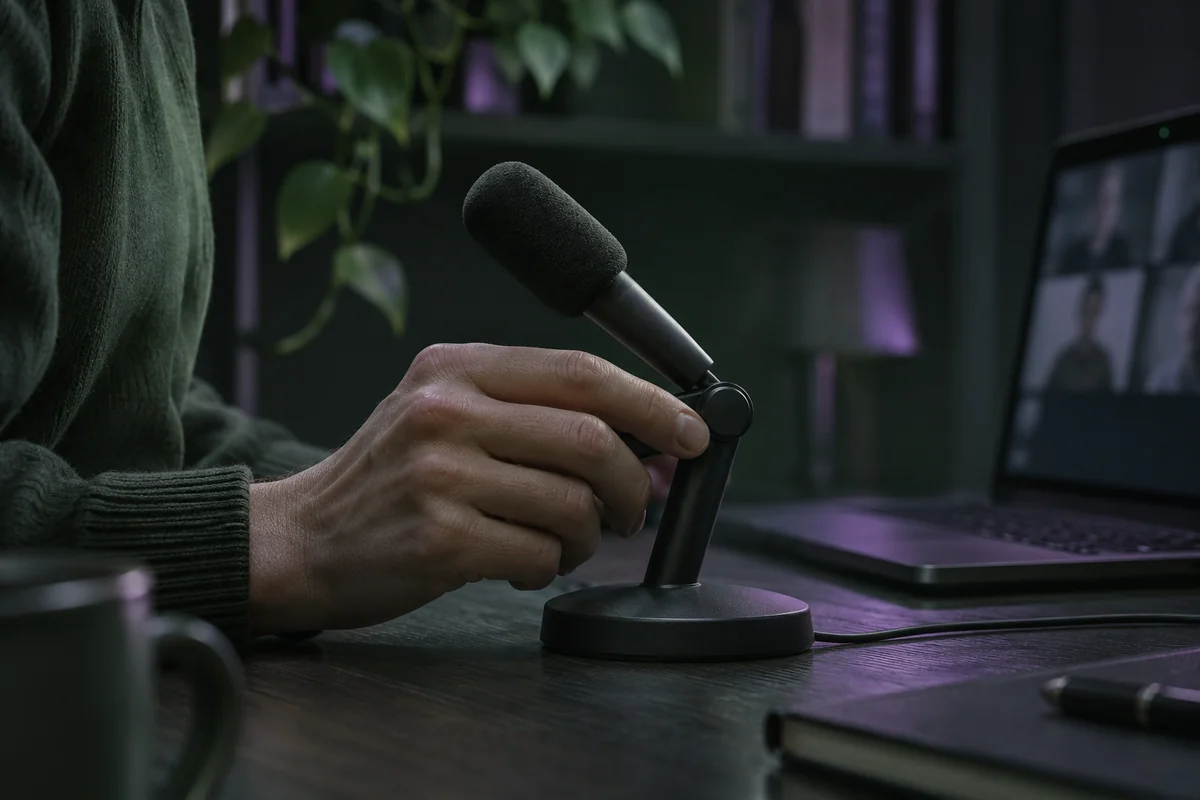
A voice sounds clear to the person speaking and distant to everyone else. Before turning up the input, listen to a clip made from the device the call is using. A microphone on the monitor may be active while the headset on the desk is doing nothing.
Listen before the audio travels
Open the call’s settings and identify its selected input by name. Speak one ordinary sentence and watch the local level if the settings show it. Record that sentence locally with a tool you trust, choosing the same input when possible. Listen through headphones. A roomy or quiet sound already present in that clip points toward the source, device or room. Move closer at a comfortable speaking distance and compare one new recording without changing anything else.
Compare the received clip
With agreement from everyone involved, ask a second person to describe the sound at the other end. If the local clip is clear and the received words are missing or broken, look at the call conditions. The WebRTC statistics specification describes fields that applications can expose for media and transport. If your call app shows packet loss or buffering, compare readings around a reported dropout with readings from a clearer part of the same call. Keep the timestamp and the names of the displayed measures. It cannot describe the sound by itself.
For an illustrative handoff, write “local USB microphone clip intelligible, three dropouts reported around the first minute.” That gives a support person two observations and a time. “Audio bad” leaves the device, room and connection tangled together.
Avoid diagnosing an entire setup after one call. Try the most specific change the comparison suggests and repeat the sentence. A clean local clip and a stable received sentence are two results worth keeping separate in your notes.